Instagram 1080x1080 square photo maker

Instagram Square Image Maker

Create a clean 1080x1080 square photo for Instagram posts, profiles, and reels covers.

Drop a photo for Instagram square format

or

The default output is 1080x1080px, ideal for Instagram feed posts.

Allowed file types: JPG, PNG, WebP

1080x1080 default ·No watermark ·No signup
Create 1080x1080 Square Photos for Instagram

Instagram square images are easiest to manage at 1080x1080px. This tool prepares a 1:1 photo for posts, profile pictures, reels covers, and clean grid layouts.

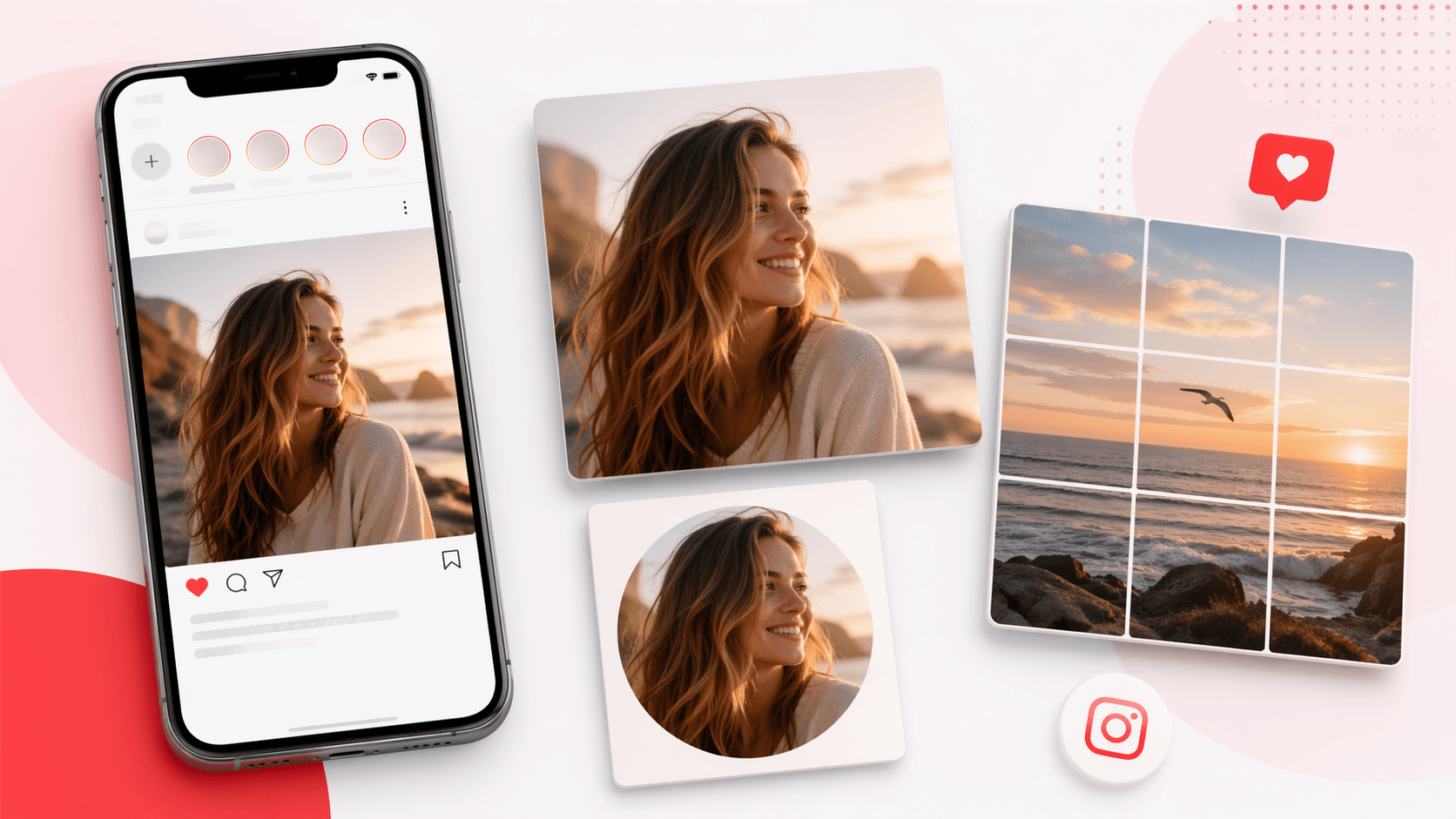
Instagram square image maker preview for 1080x1080 feed posts and profile pictures
Instagram square image preview: prepare 1080x1080 feed posts, profile sources, and grid-safe covers.

How to make a square image for Instagram

1

Upload your photo

Start with a portrait, landscape, or already-square image from your device.

2

Keep the 1080px preset

The page defaults to 1080x1080px, a practical size for Instagram feed images.

3

Choose blur, color, or crop

Use blur to keep the full photo, color for a clean border, or crop for tighter framing.

4

Download for Instagram

Export as PNG, JPG, or WebP and upload the square image to Instagram.

Instagram-ready options

1080x1080 by default

The main preset is already set for Instagram square feed posts.

No-crop framing

Blur and color backgrounds help you keep the full image visible in a square frame.

Profile-friendly sizes

Use 512px for smaller avatars or 1200px when you want a sharper profile image source.

Clean exports

Downloads do not include watermarks or site branding.

Purpose-built Instagram wording

This Instagram square image page focuses on the exact 1080x1080 workflow rather than making users choose from unrelated resize tools.

Useful before profile cropping

A centered Instagram square image gives you a better source file before Instagram shows the profile picture inside a circular mask.

Grid consistency

Use the same Instagram square image size across a set of posts to keep your profile grid cleaner and easier to scan.

Instagram square image use cases

Feed posts

Prepare a consistent square image for your Instagram grid.

Profile pictures

Create a centered square image before Instagram displays it inside a circular crop.

Reels covers

Make a square cover image that remains readable in grid previews.

Carousel planning

Prepare each Instagram square image at the same size before building a carousel, so the set feels consistent when swiped.

Brand templates

Create square source images for branded quote cards, announcement posts, and recurring content templates.

Photo cleanup

Use blur or color backgrounds when a strong photo is not naturally square but still needs to fit the Instagram grid.

Instagram square image FAQ

What size should an Instagram square image be?

1080x1080px is the default size on this page and works well for Instagram square feed posts.

Can I make an Instagram photo square without cropping?

Yes. Use Blur Background or Color Background mode to keep the full image visible.

Should I export PNG or JPG for Instagram?

PNG is useful for clean graphics and quality. JPG is a good choice for regular photos with smaller file size.

Does this tool connect to Instagram?

No. It prepares the image file only. You download the square image and upload it to Instagram yourself.

Is Square Image Generator affiliated with Instagram?

No. This is an independent image tool and is not affiliated with Instagram.

Why use an Instagram square image instead of uploading the original photo?

An Instagram square image gives you control over what appears in the grid, especially when the original photo is vertical, wide, or has important edges.

Can this make photo square for Instagram without cropping?

Yes. Choose Blur Background or Color Background to keep the full image visible, then download the Instagram square image at 1080x1080px.

Can I use 512px for an Instagram profile picture?

You can use 512px for a smaller source file, but 1080x1080px gives a sharper Instagram square image if you want more quality before upload.

Will the Instagram square image have a watermark?

No. The downloaded file is clean, so you can use it for personal posts, creator content, or brand assets.

When should I use blur instead of crop for Instagram?

Use blur when the original photo has important edges, people, products, or text that should stay visible. Crop is better when the subject is already centered and you want a tighter Instagram square image with less background.