Exact 512 by 512 square image converter

Resize Image to 512x512

Create an exact 512x512 square image for avatars, icons, upload forms, and thumbnails.

Drop an image to resize to 512x512

or

Crop, fit with background, stretch, or export a clean 512x512 square image in PNG, JPG, or WebP.

Allowed file types: JPG, PNG, WebP

512x512 ·Crop or fit ·PNG JPG WebP ·No signup
Resize an Image to Exact 512x512 Pixels

Many upload forms, avatar settings, icon generators, and profile tools ask for a square 512x512 image. This page starts with a 512px output size and lets you choose whether to crop tightly, preserve the whole image with a background, or resize quickly when distortion is acceptable. Use it when you need to resize image to 512x512 for a strict upload requirement.

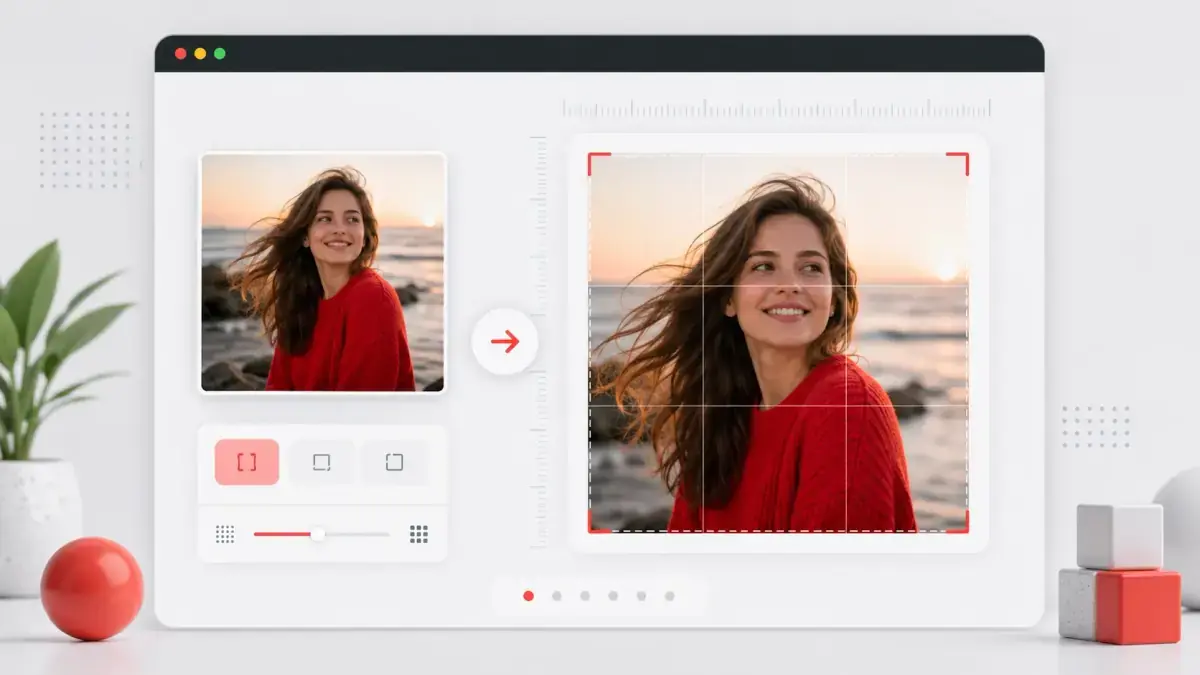
Resize image to 512x512 tool preview showing a source photo converted into an exact square output
512x512 resize preview: prepare a precise square image for avatars, app icons, thumbnails, and upload requirements.

How to resize an image to 512x512

1

Upload your image

Choose a JPG, PNG, or WebP file from your device, or drag it into the upload area.

2

Keep the 512px preset

The output size is set to 512x512px by default, so you do not need to enter dimensions manually for a standard 512x512 upload.

3

Choose crop or fit

Use Crop and Zoom for a tight square, Blur Background or Color Background to keep the full image, or Stretch for speed.

4

Download the 512x512 image

Export the finished square image as PNG, JPG, or WebP for the site, app, or profile form that needs it.

512x512 image converter features

Exact 512 by 512 output

The page is configured around the common 512px square size used by avatars, icons, thumbnails, and upload forms, so you can resize image to 512x512 without guessing dimensions.

Crop or no-crop options

Crop when the subject should fill the square, or use blur and color backgrounds when the full image must remain visible.

Multiple export formats

Download 512x512 PNG for clean edges, JPG for smaller photo files, or WebP for modern web use.

Custom size fallback

If a platform asks for a different square size, switch to custom dimensions without leaving the page.

Rounded corner controls

Add subtle corners or create avatar-style exports when the square image needs a softer shape.

Local canvas processing

The resize is handled by your browser, making it fast for single-image upload requirements.

Common uses for 512x512 images

Profile pictures

Prepare a square profile image source for account settings, creator pages, and social avatars.

App icons and dashboard icons

Create a 512x512 square source image for simple app icons, product dashboards, CMS avatars, and project settings.

Community avatars

Resize photos and logos for forums, Discord-style communities, gaming profiles, and membership sites.

Upload form requirements

Meet upload forms that reject non-square images or require a specific pixel size, especially when they ask you to resize image to 512x512 before upload.

Web thumbnails

Generate consistent square thumbnails for cards, author boxes, resource lists, and media grids.

AI and design inputs

Prepare a clean 512x512 source file when another image workflow expects a square input.

Resize image to 512x512 FAQ

How do I resize an image to 512x512?

Upload your image, leave the size set to 512x512, choose the square framing mode, and download the exported file.

Will resizing to 512x512 crop my image?

Only if you choose Crop and Zoom. Use Blur Background or Color Background if you need the full original image visible.

Is 512x512 good for profile pictures?

Yes. 512x512px is a common practical size for avatars and profile images because it is square, sharp enough for most displays, and not too large.

Can I export 512x512 as PNG?

Yes. You can download PNG, JPG, or WebP. PNG is best for logos, sharp edges, and transparency.

Can I make the 512x512 image circular?

Yes. Increase the corner slider to 50% and export PNG or WebP if you want transparent corners.

Does this 512x512 converter add a watermark?

No. The downloaded image is watermark-free.